
How to Repurpose Content on Instagram: Converting Visuals to Searchable Text
To master how to repurpose content on instragram, you must translate your visual carousels and Reels into highly structured, searchable text formats like SEO blogs and Medium articles. Instagram is a rented audience with a 24-hour feed cycle. By extracting the text from your successful visual posts, you secure long-term search traffic and build owned assets.
Turn your Instagram Reels into permanent search traffic.
Don't let your best ideas disappear in the feed. Automatically format your Instagram captions and video scripts into high-ranking SEO articles.
Try ConvertlyAI Free →Why is it crucial to learn how to reuse content on instagram for search engines?
Instagram is a visual-first platform, meaning the algorithm favors aesthetic hooks, trending audio, and fast-paced editing. However, Google's search crawlers cannot watch a Reel, and they cannot read the text embedded inside a JPEG image carousel. If you spend three hours researching a highly educational carousel and only post it to Instagram, you are throwing away massive search equity.
When you understand how to reuse content on instagram, you realize that the research and scripting phase is the hard part. The execution is simply a matter of formatting. By taking the script of your Reels, or the long-form caption of your carousel, and feeding it into a text-engine, you can instantly generate a 1,000-word SEO article. This allows you to index on Google and drive passive, high-intent traffic for years after the Instagram post has vanished from the timeline.
How do you translate visual hooks into written authority?
Visual content relies on fast pacing and on-screen text to retain viewers. To execute how to reuse content effectively across text platforms like Medium or your personal Next.js blog, you must slow the pacing down and significantly expand the concepts.
If your Reel covers "3 Ways to Optimize Next.js," you likely only spent 15 seconds speaking about each point. To translate this into written authority, you need to use ConvertlyAI to expand those brief bullet points into full, explanatory paragraphs. The system takes your compressed visual script and injects professional tone, contextual examples, and structural H3 tags so it reads like a deep-dive masterclass rather than a rushed video script.
Escaping the Rented Audience Trap
When you build an audience solely on Instagram, you are building a house on rented land. A single algorithm update can cut your reach in half overnight. Furthermore, Instagram actively suppresses external links, making it incredibly difficult to drive users to your SaaS product or checkout page. Converting your Instagram content to text allows you to host that value on your own domain, where you control the call-to-action and the lead capture mechanisms entirely.
The specific workflow for Instagram-to-Text conversion
Do not attempt to write these articles from scratch. Use this automated pipeline to save hours of manual typing and secure your digital real estate:
- Extract the Caption or Script: Copy the text from your highest-performing Instagram posts, or download the auto-captions from your best-performing Reels.
- Apply System Guardrails: Drop the text into ConvertlyAI. The system will automatically strip out Instagram-specific jargon (like "Link in bio", "Double tap to agree", or heavy emoji use) so it doesn't sound out of place on a professional blog.
- Generate the Long-Form Asset: The engine formats your quick tips into a comprehensive, authoritative Medium article or SEO post, adding the necessary structural formatting required for Google to rank it.
Stop letting your best ideas disappear into the feed. Secure your search traffic by converting your visual ideas to text at ConvertlyAI.online.
Read Next
The Best Repurpose.io Alternative for Text-Based Content in 2026
How to reuse Youtube videos: Turning 1 Video into 10 Written Assets

How to repurpose Youtube videos for TikTok vs. Text-Based ROI
How to Repurpose Content Across Platforms: The 2026 Distribution Guide
How to Repurpose Content on YouTube: Turn One Video Into a Text Empire

How to Reuse Content on TikTok: Expanding 60 Seconds into 1,000 Words

How to Repurpose Content for Social Media: The Text-First Playbook

Content Repurposing Statistics to Drive Your Strategy in 2026

How to Maximize Reach Using Existing Content Assets

Building an Automated Content Repurposing Workflow in 2026
Strategies for Turning Blog Posts into Social Media Content
How to Repurpose YouTube Videos (Without Editing Video)
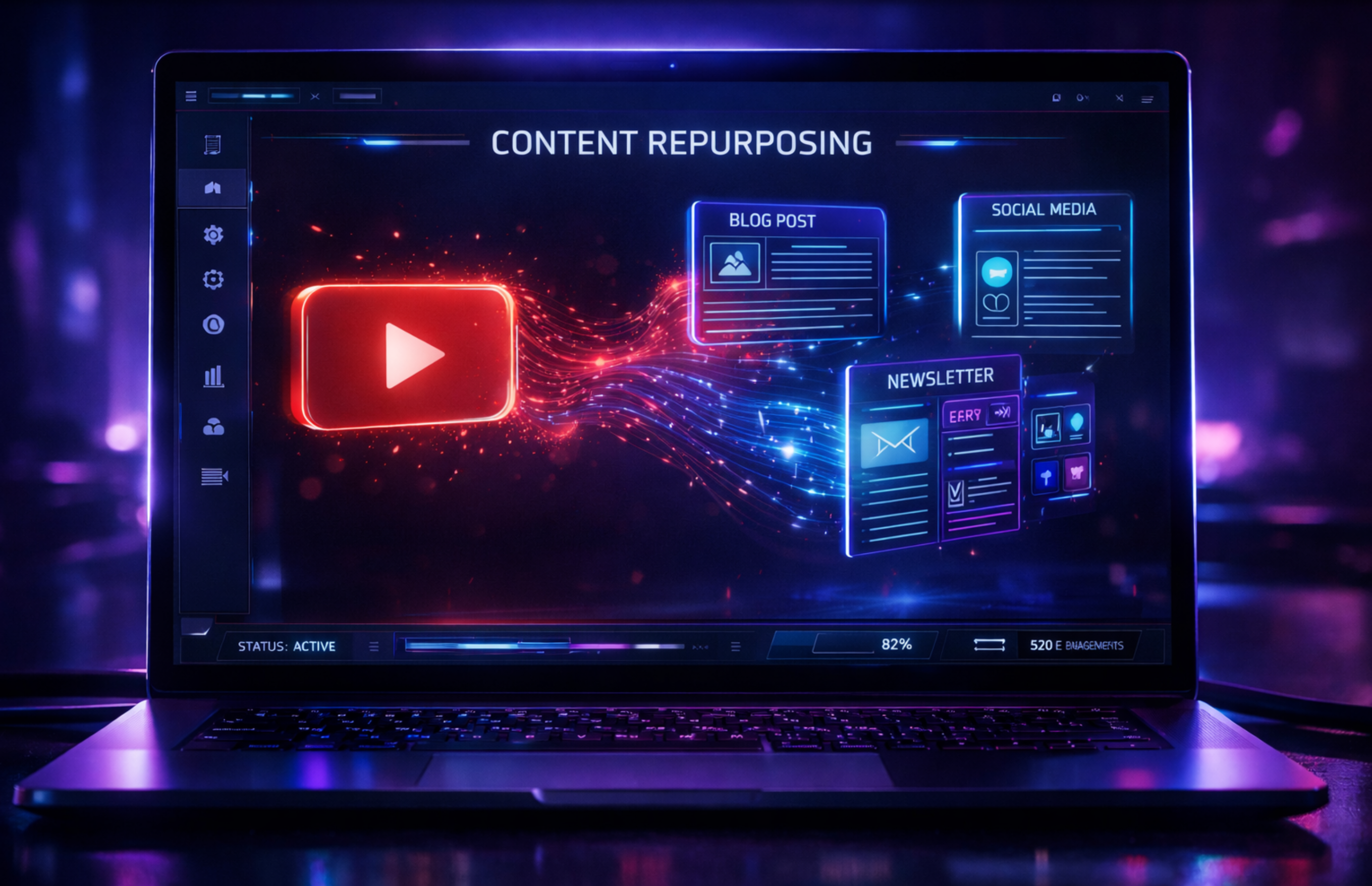
How to Reuse Content YouTube: The Complete Strategy Guide

How to Repurpose Video Content for Twitter Threads

Repurpose Audio: Turn Voice Notes into LinkedIn Authority

Content Repurposing Strategy: Dominate Medium & Search Traffic

Repurpose Text: Turn Brain Dumps into Automated Newsletters
Repurpose Blogs into TikTok Scripts with AI

Repurpose Text to Video: Viral YouTube Shorts Scripts

SEO Automation: Repurpose Voice Notes to Ranking Posts

Repurpose Notes for Instagram: The Micro-Blogging Strategy

Reviving Your Community: Automated Facebook Group Strategy