
Repurpose Audio: Turn Voice Notes into LinkedIn Authority
LinkedIn has completely transitioned from a stale, corporate job board into a vibrant, high-leverage professional publishing house. In 2026, if you are selling B2B software, high-ticket consulting, or coaching, the "Zero-Click Content" rule on LinkedIn is absolute king. If you want to build massive authority and generate inbound leads, you must write. But most busy founders simply do not have time to sit and type for an hour a day. The ultimate solution? Learn to repurpose audio and voice notes into formatted text.
Turn your commute into inbound leads.
Don't let your best ideas vanish. Record a quick voice note and let ConvertlyAI instantly format it into a viral LinkedIn carousel script.
Try ConvertlyAI Free →The Founder's Dilemma: Time vs. Authority
Some of your absolute best business ideas happen while driving, walking the dog, or pacing around the office between Zoom meetings. Because you are not sitting at a keyboard, these brilliant strategic epiphanies usually vanish into thin air. By recording these raw thoughts as simple audio voice notes on your phone and running them through an automated text engine, you can build a massive LinkedIn following without ever opening a laptop to type.
The problem is that you cannot just dump an unedited, rambling audio transcription onto your LinkedIn feed. Professionals on LinkedIn have an incredibly low tolerance for disorganized thought. They demand clear frameworks, actionable advice, and professional storytelling. The raw audio data must be cleaned and structurally reformatted to match the specific expectations of the platform.
Mastering the "See More" Gap
LinkedIn text posts live or die strictly by their first three lines of text. This visual cutoff is known in the industry as the "See More" gap. If your opening hook isn't strong enough to make a scrolling user physically click that little gray "See More" button to expand the post, your reach is effectively zero. The algorithm tracks that click as the ultimate engagement signal.
When you paste your audio transcript into ConvertlyAI, the system is specifically programmed to analyze your spoken rant, locate the "tension" or the "contrarian take"—the most emotional, surprising, or controversial part of your audio—and automatically move it to the very top to serve as the hook. It engineers the post to force that critical click.
Formatting for the Mobile Professional
Data shows that over 80% of LinkedIn users browse the platform on mobile devices during their commute or between meetings. A dense, unformatted "Wall of Text" is an instant skip. To hold attention, the formatting must be immaculate.
ConvertlyAI takes your rambling audio and automatically applies the proven "Broetry" formatting style favored by top creators. It breaks your thoughts into airy, highly skimmable posts utilizing:
- Short, punchy sentences: Removing complex jargon and focusing on clarity.
- One-line paragraphs: Creating massive amounts of white space to reduce visual fatigue.
- Bulleted lists: Translating your overarching concepts into distinct, tactical advice.
- Clean, professional emojis: Used sparingly as visual bullet points, not as distractions.
Stop trading hours of your day trying to write the perfect professional update. Speak your mind, capture the audio, and let ConvertlyAI.online generate your entire week of LinkedIn authority in seconds.
Read Next

The Best Repurpose.io Alternative for Text-Based Content in 2026
How to reuse Youtube videos: Turning 1 Video into 10 Written Assets

How to repurpose Youtube videos for TikTok vs. Text-Based ROI
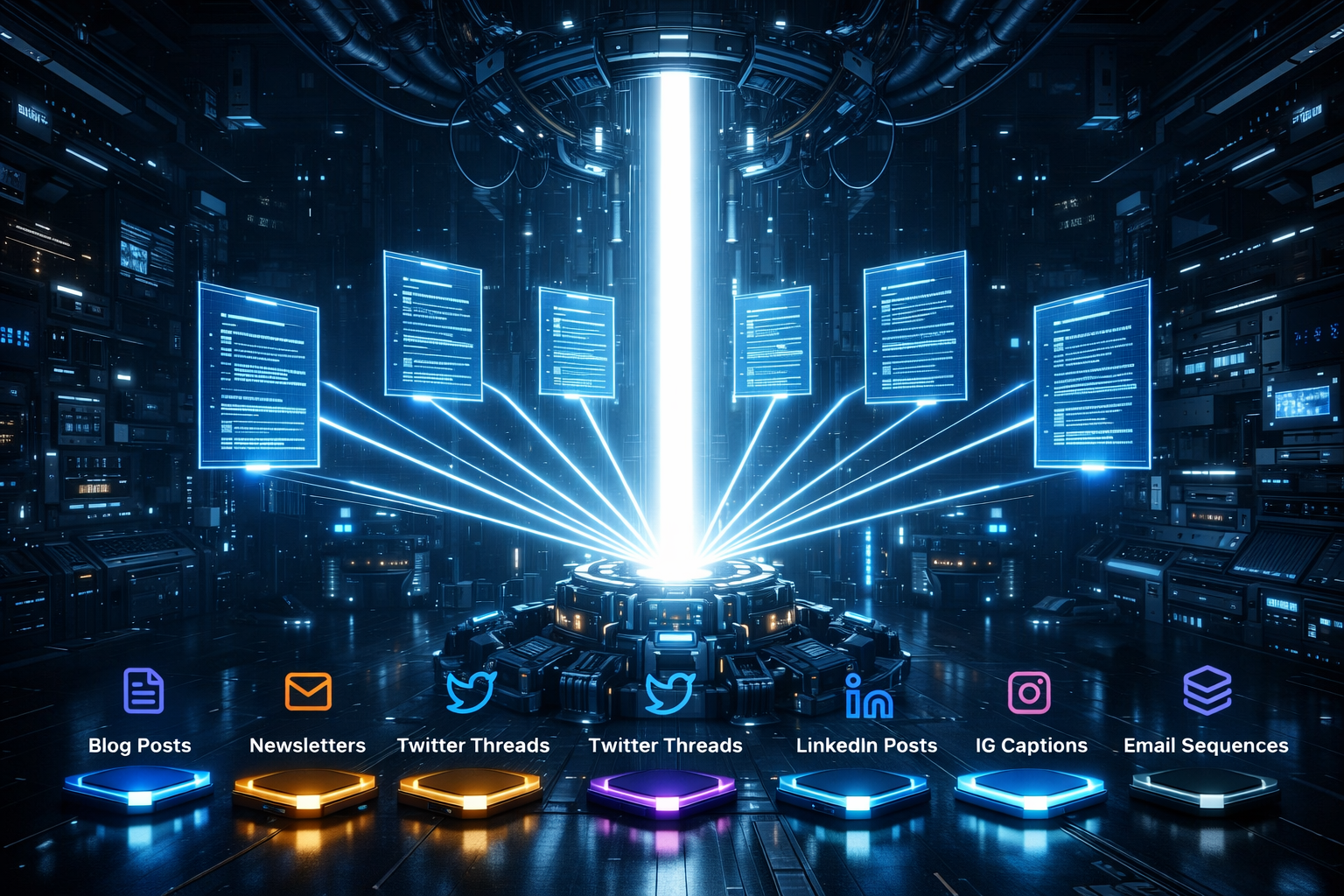
How to Repurpose Content Across Platforms: The 2026 Distribution Guide

How to Repurpose Content on YouTube: Turn One Video Into a Text Empire

How to Repurpose Content on Instagram: Converting Visuals to Searchable Text

How to Reuse Content on TikTok: Expanding 60 Seconds into 1,000 Words

How to Repurpose Content for Social Media: The Text-First Playbook

Content Repurposing Statistics to Drive Your Strategy in 2026

How to Maximize Reach Using Existing Content Assets

Building an Automated Content Repurposing Workflow in 2026
Strategies for Turning Blog Posts into Social Media Content
How to Repurpose YouTube Videos (Without Editing Video)
How to Reuse Content YouTube: The Complete Strategy Guide

How to Repurpose Video Content for Twitter Threads

Content Repurposing Strategy: Dominate Medium & Search Traffic

Repurpose Text: Turn Brain Dumps into Automated Newsletters
Repurpose Blogs into TikTok Scripts with AI

Repurpose Text to Video: Viral YouTube Shorts Scripts

SEO Automation: Repurpose Voice Notes to Ranking Posts

Repurpose Notes for Instagram: The Micro-Blogging Strategy

Reviving Your Community: Automated Facebook Group Strategy